Tuesday, August 9, 2011

 Posted by
Brooke
Posted by
Brooke
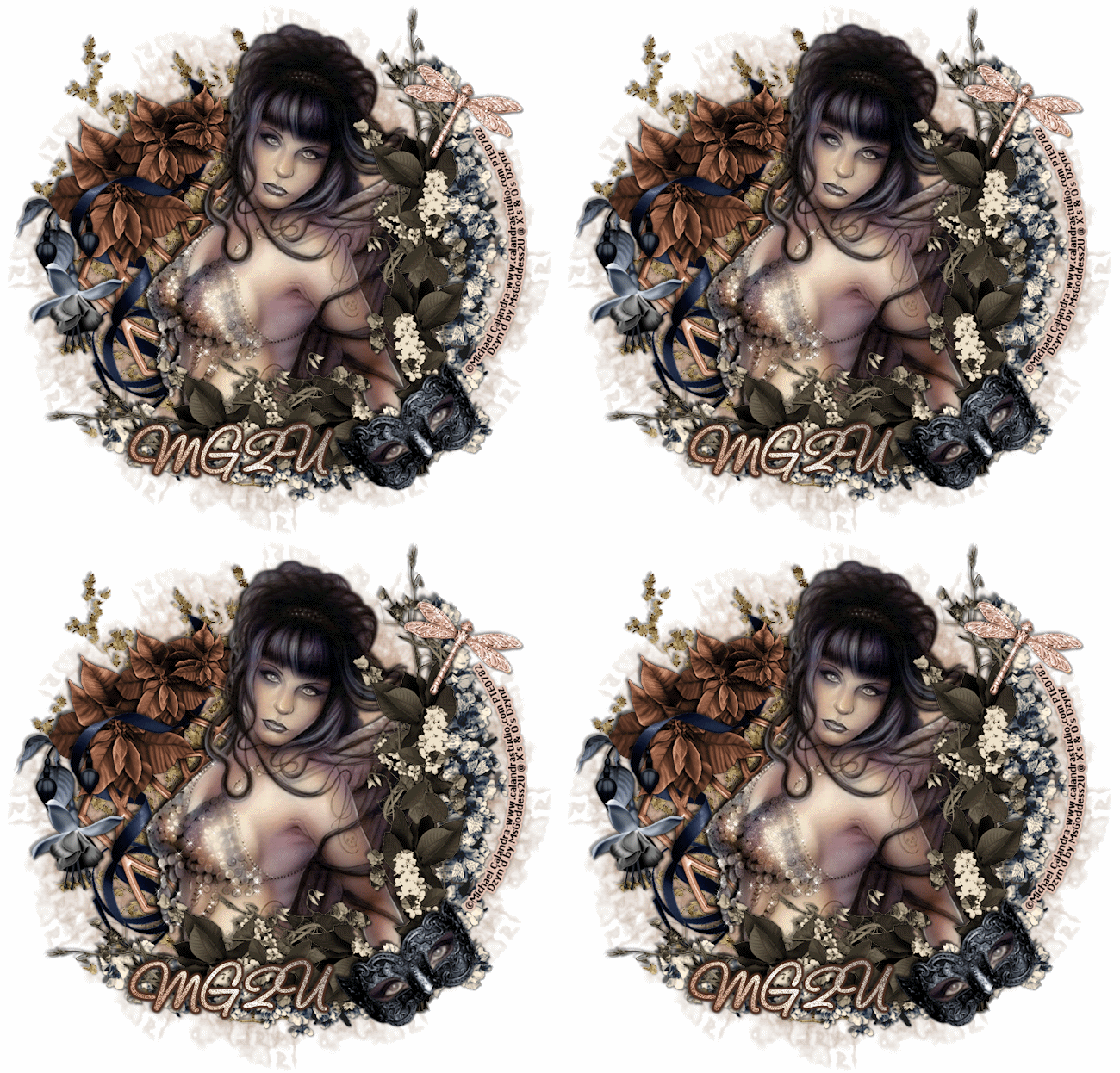
This tutorial was written for experienced PSP users
Supplies:
Scrap kit by Pimp'd Designz called Miss Mel here
Artwork by Keith Garvey at PTE here
Font is Carpenter Script
Mask 11 by Artmama's Studio here
Plug in Eye Candy 6
New image 600x600
Open frame 4
Paste as a new layer
Re size
Position
Click inside the frame using your magic wand
Expand by 3
Open paper 9
Paste as a new layer
Selections Invert Delete Select None
Add DS to your frame
Open your tube
Paste as a new layer
Re size
Position
Add DS
Open and paste these elements along with a DS:
Flower 1 & 2
Ribbon 1
Bling 1
Lights
Open paper 5
Paste as a new layer
Apply Mask
Merge group
Add all © info
Add your name
Eye Candy Glass
Gradient Glow
Add DS
Merge visible
Save as PNG!

 Labels:
Monday, August 8, 2011

This tutorial was written for experienced PSP users
Supplies:
Scrap kit by Addictive Pleasures called VI Emo here
Exclusive Template from her forum here
Artwork by VeryMany at Scraps And The City here
Plug in Eye Candy 6
Open your temp
Delete the © layer
Use papers 4 6 & 12
Open your tube
Paste as a new layer above your pink circle
Activate your pink circle
Selections Select All Float De float
Click on your tube
Selections Invert Delete Select None
Change blend mode to Luminance Legacy and add DS
Repeat this step for you other circle
Open your tube again
Paste as a new layer
Re size
Position
Add DS
Open and paste these elements along with a DS:
Decor 1 & 2
Beads 3
Bow 2
Crown
Flower
Lolli 1 & 2
Ribbon 4
String
Star 2
Sparkles
Add all © info
Add your name
Add your name
Eye Candy Glass
Gradient Glow
Add DS
Merge visible
Save as PNG!

Sunday, August 7, 2011

This tutorial was written for experienced PSP users
Supplies:
Scrap kit Sampler By ChiChi Designz called Purple Passion here
Artwork by Fred Winker at CDO here
Mask 131 by Gems Taggin Scraps here
Plug in Eye Candy 6
New image 600x600
Open the frame
Paste as a new layer
Re size
Position
Image Free Rotate Left 50 degrees
Click inside the frame using your magic wand
Expand by 3
Open paper 19
Paste as a new layer
Selections Invert Delete Select None
Add DS to your frame
Open your tube
Paste as a new layer
Re size
Position
Add DS
Open and paste these elements along with a DS:
Leaves
Flowers
Butterfly
Element 1
Ribbon
Scatter
Bird
Sparkle
Open paper 19 again
Paste as a new layer
Apply Mask
Merge group
Add all © info
Add your name
Eye Candy Gradient Glow
Add DS
Merge visible
Save as PNG!

Friday, August 5, 2011

This tutorial was written for experienced PSP users
Supplies:
Scarp kit called Toxicity by Toxic Desirez here
Artwork by Arthur Crowe at PTE here
Template 216 by DenzDesignz here
Plug in Eye Candy 6
Open your template
Delete the © layer and scattered hearts
Use papers 2 3 & 10
Open your tube
Paste as a new layer
Re size
Position
Add DS
Open and paste these elements along with a DS:
Doodle
Bottle
Guitar
Spider
Skulls
Web 1
Ribbon 1
Screw
Pompom
Wire
Sparkles
Add all © info
Add your name
Eye Candy Glass
Gradient Glow
Add DS
Merge visible
Save as PNG!

Thursday, August 4, 2011

This tutorial was written for experienced PSP users
Supplies:
Scrap kit called Bella Mermaid from Lizquis Scraps here
Artwork by Elias Chatzoudis at PTE here
Font is called Fishbowl
Plug in Eye Candy 6
New image 500x500
Open the sand
Paste as a new layer
Re size
Position
Duplicate
Move up some
Open your tube
Paste as a new layer
Re size
Position
Add DS
Open and paste these elements along with a DS:
Algae
Clam
Crab
Sand Castle
Net
Starfish
Fish
Sparkle
Add all © info
Add your name
Eye Candy Gradient Glow
Add DS
Merge visible
Save as PNG!


This tutorial was written for experienced PSP users
Supplies:
Scrap kit called Emolicious by TammyKat Designz here
Artwork by VeryMany at SATC here
Font & Mask of choice
Plug in Eye Candy 6
New Image 500x500
Open spike frame 1
Paste as a new layer
Re size
Position
Click inside the frame using your magic wand
Expand by 3
Open pink paper
Paste as a new layer
Selections Invert Delete Select None
Add DS to your frame
Open your tube
Paste as a new layer
Re size
Position
Add DS
Open and paste these elements along with a DS:
EmoWord
Emopin
Flower 1
Striped Flower
Black smudge
Open text paper
Paste as a new layer
Apply Mask
Merge group
Add all © info
Add your name
Eye Candy Glass
Gradient Glow
Add DS
Merge visible
Save as PNG!

Wednesday, August 3, 2011

This tutorial was written for experienced PSP users
Supplies:
Scrap kit called Sexy Punk by Addictive Pleasures here
Artwork by Celinart Pinup at SATC here
Plug in Eye Candy 6
New image 500x500
Open frame
Paste as a new layer
Re size
Position
Click inside the frame using your magic wand
Expand by 2
Open paper 3
Paste as a new layer
Selections Invert Delete Select None
Add DS to your frame
Open your tube
Paste as a new layer
Re size
Position
Add DS
Open and paste these elements along with a DS:
Dots
Bomb
Lighting
Can
Lock
wing
Skull
Star scatters
Add all © info
Add your name
Eye Candy Glass
Gradient Glow
Add DS
Merge visible
Save as PNG!

Tuesday, August 2, 2011

This tutorial was written for experienced PSP users
Supplies:
Scrap kit by Toxic Desirez called Sk8r Punk here
Artwork by Keith Garvey at PTE here
I bought this tube from MPT when he was there
Template from the Creative Misfits forum here
Plug in Eye Candy 6
Open your template
Delete your © layer
Use papers 1-4
Add a White gradient glow to your layers
Add EC Glass & Drop to your Word Art
Open your tube
Paste as a new layer
Position
Add DS
Open and paste these elements along with a DS:
Tag 1
Beaded String 1
Bottle Cap
Flower
Lollipop
Bow 2
Ribbon 1 & 2
Skate
Sparkles
Add all © info
Add your name
Eye Candy Glass
Gradient Glow
Add DS
Merge visible
Save as PNG!

Monday, August 1, 2011

This tutorial was written for experienced PSP users
Supplies:
Scrap kit called Hot 4 Teach by Designs By Sarah here
Artwork by The Hunter at PTE here
Font & Mask of choice
New image 500x500
Open frame 6
Paste as a new layer
Re size
Position
Click inside the frames with your magic wand
Expand by 3
Add new raster layer
Flood fill with Black
Selections Select None
Move below your frame layer
Open your closeup
Paste over square 1
Activate frame layer
Click inside the frame with magic wand
Expand by 2
Click on your tube layer
Selections Invert Delete Select None
Apply Luminance Legacy
Repeat this step for the 2 other frames
Add DS to your frame
Open your tube
Paste as a new layer
Re size
Position
Add DS
Open and paste these elements along with a DS:
Books
Apple
Smear 2
Word art 2 3 & 4
String
Open paper 6
Paste as a new layer
Apply Mask
Merge Group
Add all © info
Add your name
Eye Candy Gradient Glow
Add DS
Merge visible
Save as PNG!


This tutorial was written for experienced PSP users
Supplies:
Scarp kit called Got by Addictive Pleasures here
Artwork by Ismael Rac here
Template 105 by Addictive Templates here
Font of choice
Plug in Eye Candy 6
Open your template
Delete the © layer
Use paper 3 5 6 & 8
Change your word art to a color from your tube
Add EC Glass & Gradient Glow
Add DS
Open your tube
Paste as a new layer
Position
Add DS
Open your closeup
Paste as a new layer
Paste over your circle layer
Click on the circle layer
Select all Float De float
Click on your tube layer again
Selections Invert Delete Select None
Add Luminance Legacy and a DS to your tube
Repeat this step for the square
Open and paste these elements along with a DS:
Flower
Glass
Skull Heads
Heart w/Beads
Bars
Ziplet
Ribbon 3
Sparkles
Add all © info
Add your name
Eye Candy Glass
Gradient Glow
Add DS
Merge visible
Save as PNG!

Sunday, July 31, 2011

This tutorial was written for experienced PSP users
Supplies:
Scrap kit called Tequila Sunrise from Toxic Desirez here
This is her new store called Skullified Scrapz!!Make sure to check it out!
Artwork by Elias Chatzoudis at PTE here
Font and Mask of choice
Plug in Eye Candy 6
New image 500x500
Open the tiki bar
Paste as a new layer
Re size
Position
Add DS
Open your tube
Paste as a new layer
Re size
Position
Add DS
Open and paste these elements along with a DS:
Sand
Tree 1
Beach ball
Flower 2
Sun
Bag
Umbrella
Torch
Totem Pole
Waves
String
Sparkle
Open paper 2
Paste as a new layer
Apply Mask
Merge Group
Add all © info
Add your name
Eye Candy Glass
Gradient Glow
Add DS
Merge visible
Save as PNG!

Saturday, July 30, 2011
I just recently enrolled in an online college to become a Pharmacy Technician.I am so proud & excited!! So I've cut back on some of my CTing positions.I also have become a Moderator at the Creative Misfits forum!!! That to will need my time and attention.I hope you all understand and wish me well in my schooling.

Subscribe to:
Posts (Atom)
Stay Away


About Me
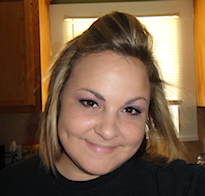
- Brooke
- Hello! My name is Brooke! I am from Southern Louisiana.SAHM to 3 kids and married to my best friend.I have been PSPing since Oct 2010 and loving every second of it! I love learning new things and being creative. Also a special thanks to Sue Ellen from Wicked Creationz Scraps for teaching me how to PSP!! Love you lots Sue :)
My Blinkies


Protected

Awards


Stores



My Fav Blogs







I CT For


My Blog List




Dork Sistaz


